Note
Go to the end to download the full example code.
Constructive CAD modeling
Hand-authoring control points (as in Your first B-spline) does not
scale. pantr.cad builds B-spline geometry the way a CAD kernel does: primitives
(lines, circles, disks, cylinders) combined by operations (extrusion, revolution, ruled
surfaces, sweeps, Coons patches) and assembled with join. Every result is an
ordinary Bspline, so it supports evaluation, derivatives, and
the knot operations from the previous tutorial.
This tutorial builds a few shapes and lays them out in one scene; the Constructive Solid Geometry guide is the complete reference for the module.
from pantr import viz
from pantr.cad import (
    create_circle,
    create_cylinder,
    create_extrusion,
    create_line,
    create_revolution,
    create_ruled,
)
from pantr.transform import AffineTransform
Primitives
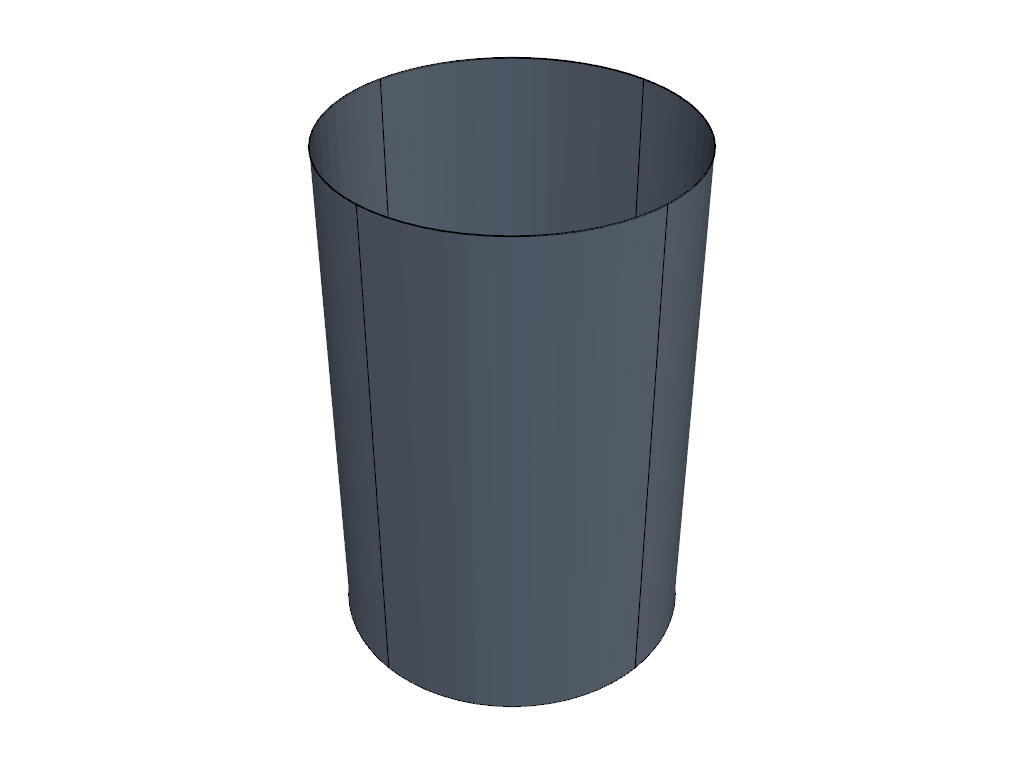
A cylinder is a rational surface; rendering uses exact Bézier cells.
cylinder = create_cylinder(radius=0.5, height=1.5)
viz.plot(cylinder, color="lightsteelblue", show_knot_lines=True)
<pyvista.plotting.plotter.Plotter object at 0x71ece064c890>
Extrusion: sweep a profile along a vector
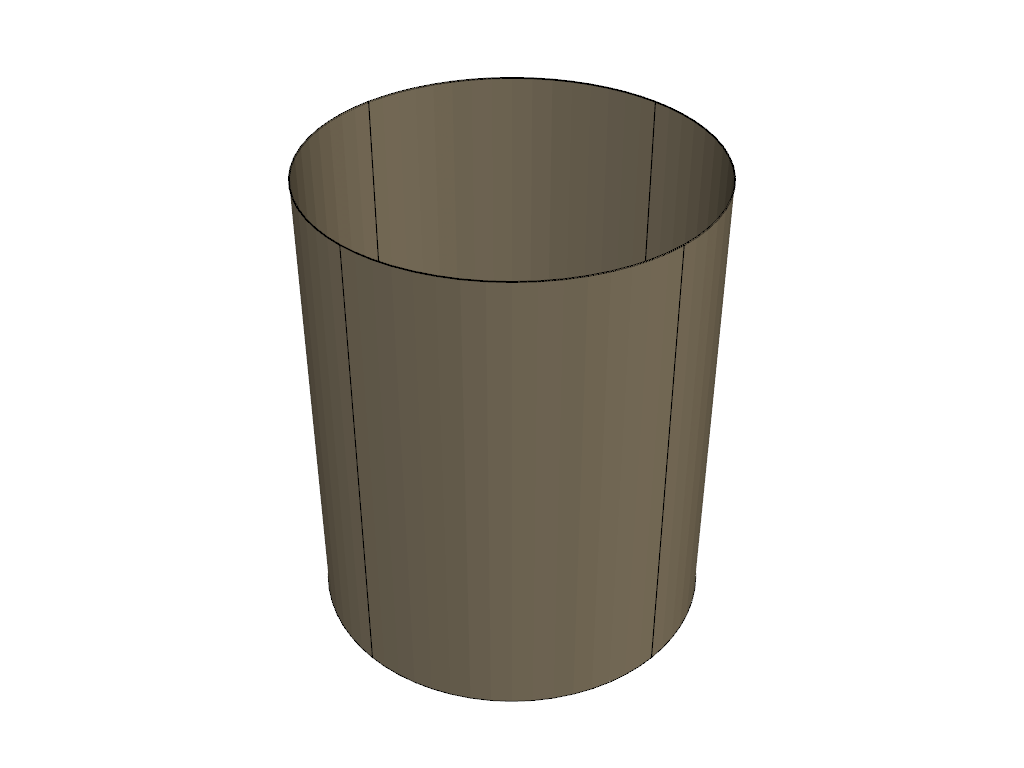
Extruding a circle along +z produces a tube wall.
tube = create_extrusion(create_circle(radius=0.5), displacement=[0.0, 0.0, 1.2])
viz.plot(tube, color="wheat", show_knot_lines=True)
<pyvista.plotting.plotter.Plotter object at 0x71ecbcdebb30>
Revolution: spin a profile about an axis
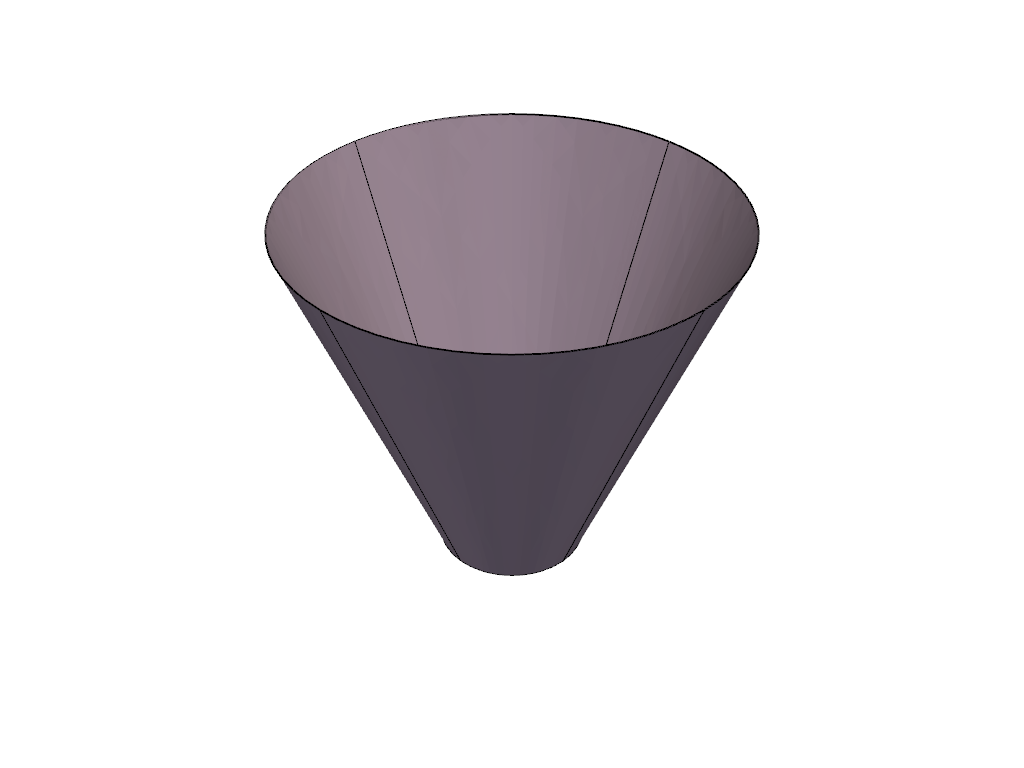
Revolving a slanted line about the z-axis gives a cone-like surface of revolution.
profile = create_line(p0=[0.2, 0.0, 0.0], p1=[0.6, 0.0, 1.0])
surface_of_revolution = create_revolution(profile, point=[0.0, 0.0, 0.0], axis=2)
viz.plot(surface_of_revolution, color="thistle", show_knot_lines=True)
<pyvista.plotting.plotter.Plotter object at 0x71ece3253f80>
Ruled surface between two curves
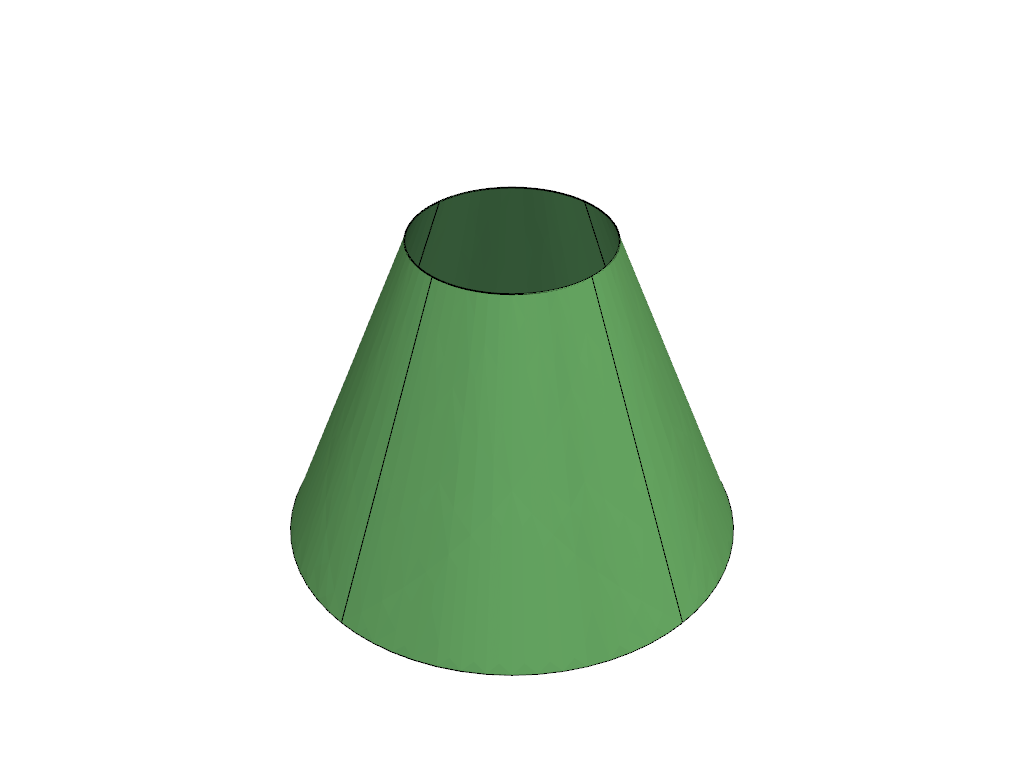
A ruled surface linearly interpolates between two curves – here two circles of different radius at different heights, giving a conical frustum.
bottom = create_circle(radius=0.7, center=[0.0, 0.0, 0.0])
top = create_circle(radius=0.3, center=[0.0, 0.0, 1.0])
frustum = create_ruled(bottom, top)
viz.plot(frustum, color="lightgreen", show_knot_lines=True)
<pyvista.plotting.plotter.Plotter object at 0x71ece06ee420>
An assembled scene
Lay the shapes side by side by translating each (transforms are covered in
Affine transformations) and adding them to one Scene.
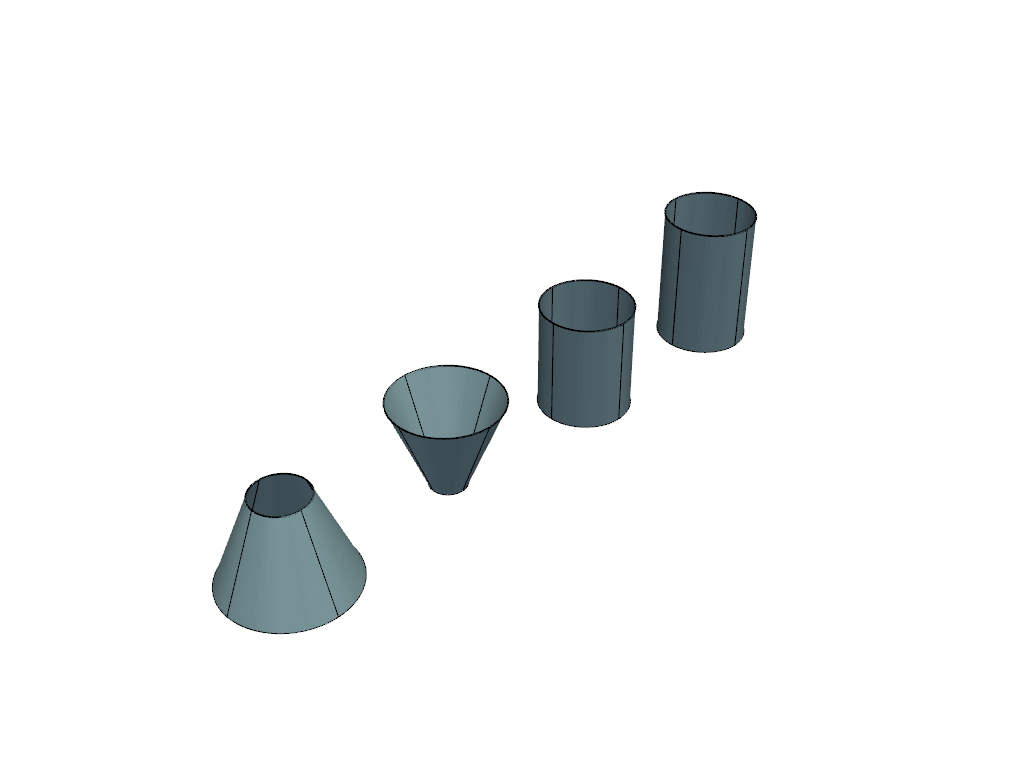
<pyvista.plotting.plotter.Plotter object at 0x71ece06eff20>
Total running time of the script: (0 minutes 1.085 seconds)